01
A clear path.
Connect the start, review and outcome in a visual process. See where work is waiting and what comes next.
Your organization’s documents, tasks and workflows. One platform.
From the first record to final approval, from headquarters to every branch. See documents, responsibilities and the next step in one place.
Who owns the task? Which version is current? Who needs to approve? SaaS Document brings document management, tasks and workflows into one connected story.
Manage companies, branches, departments and people centrally. Headquarters sees the big picture; each branch works within its own scope.
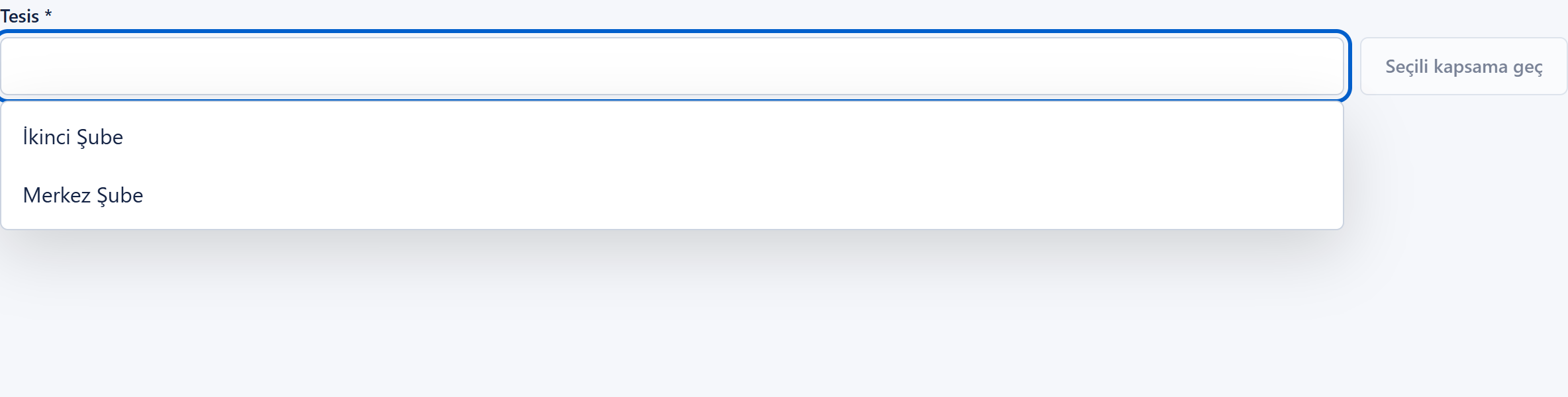
From folders to linked records, from search to digital archives. Turn scattered files into a clear, connected document system.
Stop asking who has the document now. Bring workflows, tasks and approval steps together so responsibility is clear and progress is traceable.
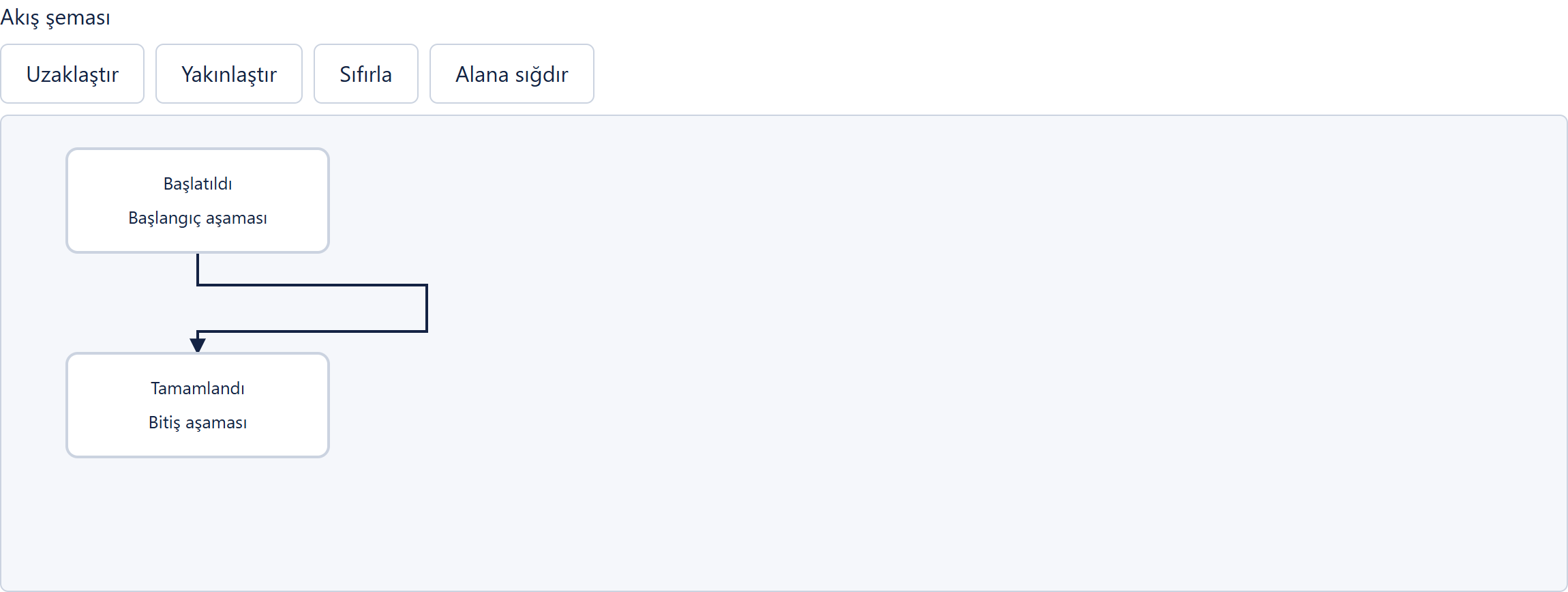
Define the steps, assign responsibility and set the required approvals. As work progresses, follow its current stage and decisions in context.
Connect the start, review and outcome in a visual process. See where work is waiting and what comes next.
Assign work to the right person or team. Use descriptions, status and due dates to make expectations clear.
Keep track of upcoming work with task and calendar reminders. Follow new assignments and updates in the notification centre.
Not everyone needs to see everything. Define access separately for documents, folders, information fields and actions.
| Teams and people | View | Edit | Approve |
|---|---|---|---|
| Manager | Allowed | Allowed | Allowed |
| Human Resources | Allowed | Allowed | Not allowed |
| Finance | Allowed | Not allowed | Not allowed |
Help branches and teams work together within one organisation. Share information in conversations, assign responsibility through tasks and follow updates through notifications.
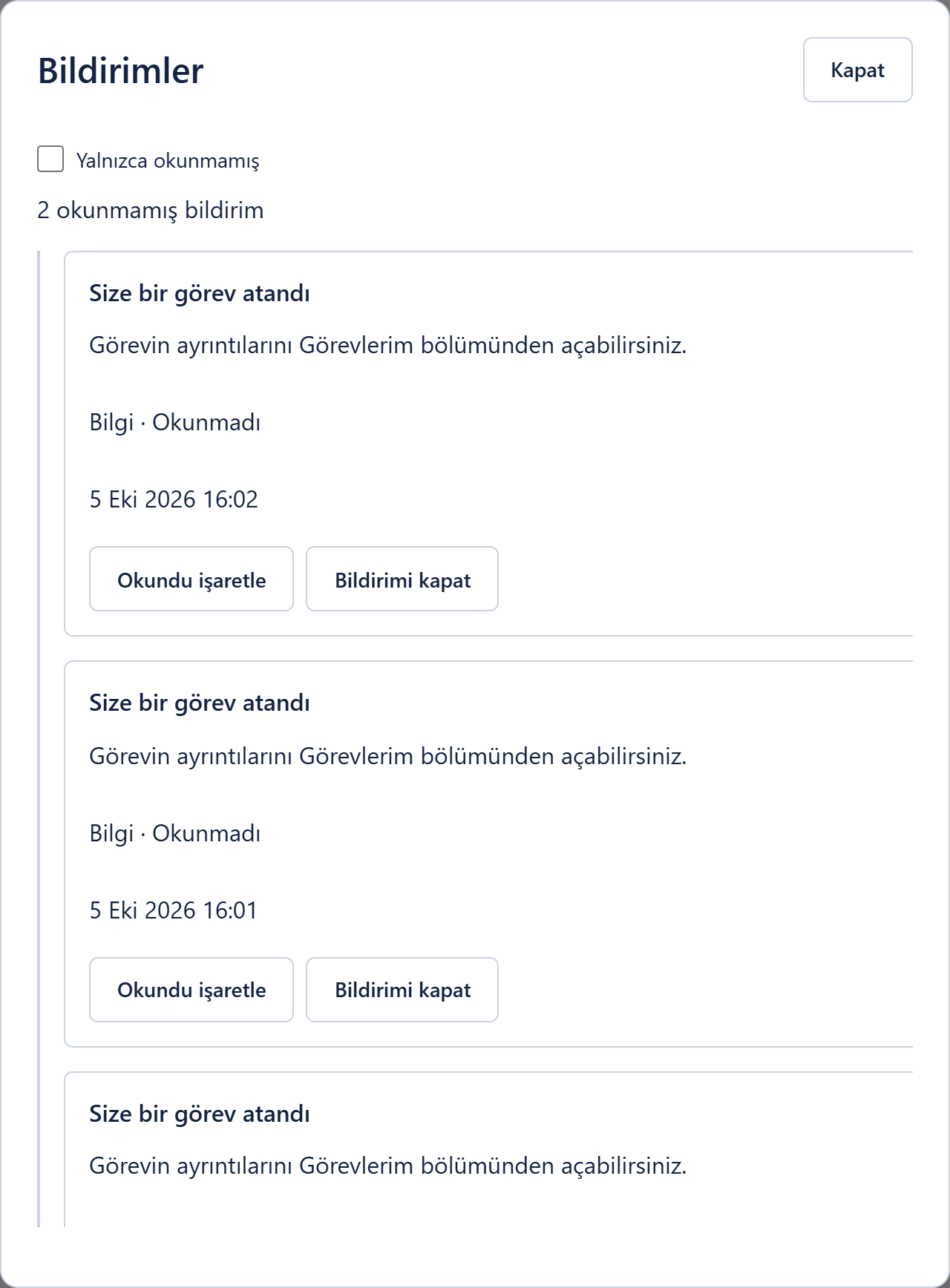
Keep internal communication in direct or group conversations, and track the work through tasks with clear owners and status. Message and assignment notifications keep people informed.
Contact the people involved directly or share information within defined groups.
Conversation access follows participants and permissions. Holding a role does not grant access to every private conversation.
Reading a message does not constitute approval. Task completion and approval decisions are tracked in their own processes.
As you grow, expand the same system. Bring your team together in an easy-to-use, multilingual workspace.
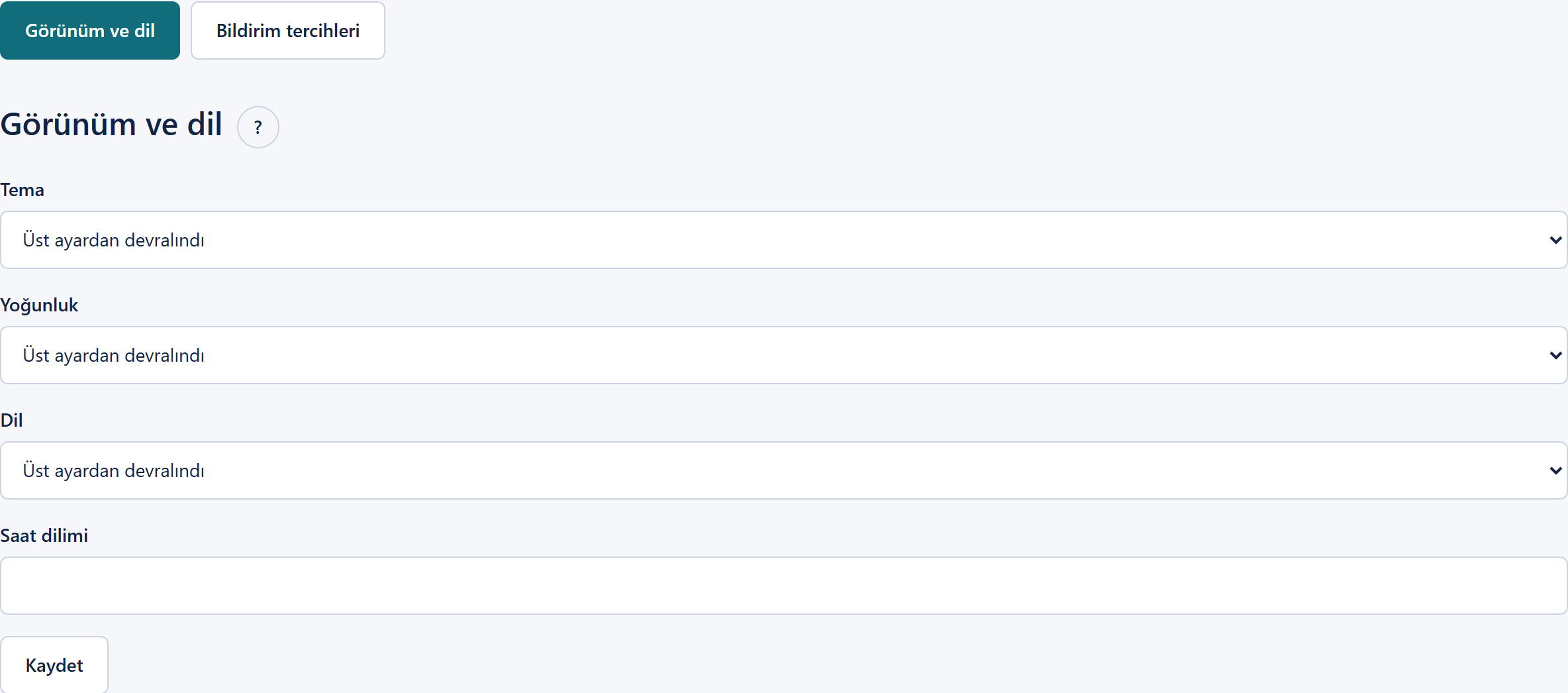
Manage users, roles and working preferences in dedicated views. These images show the SaaS Document customer application with example records.
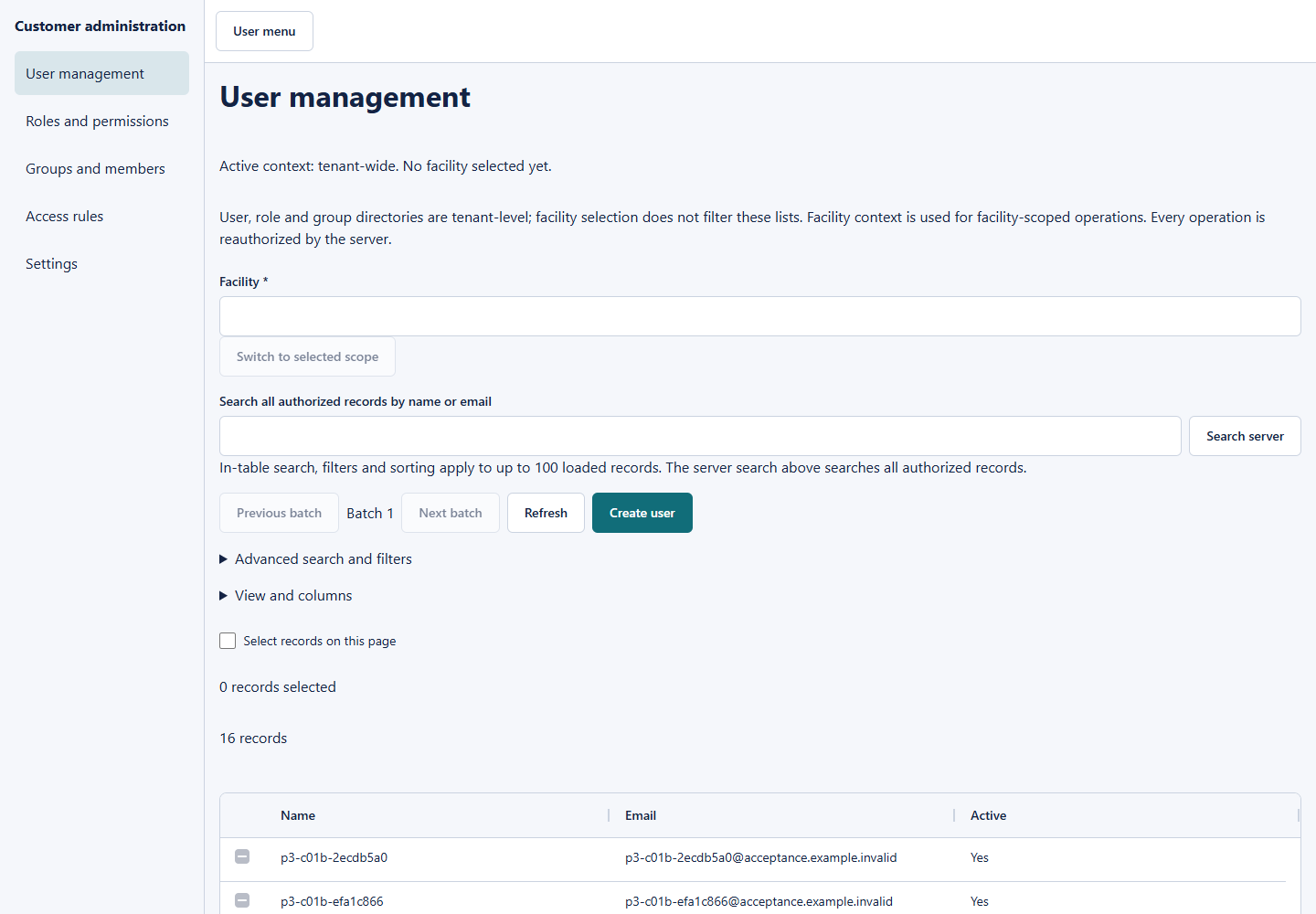
Search authorized user records and manage people in a shared directory. Select a branch scope for the operations that belong to that workspace.
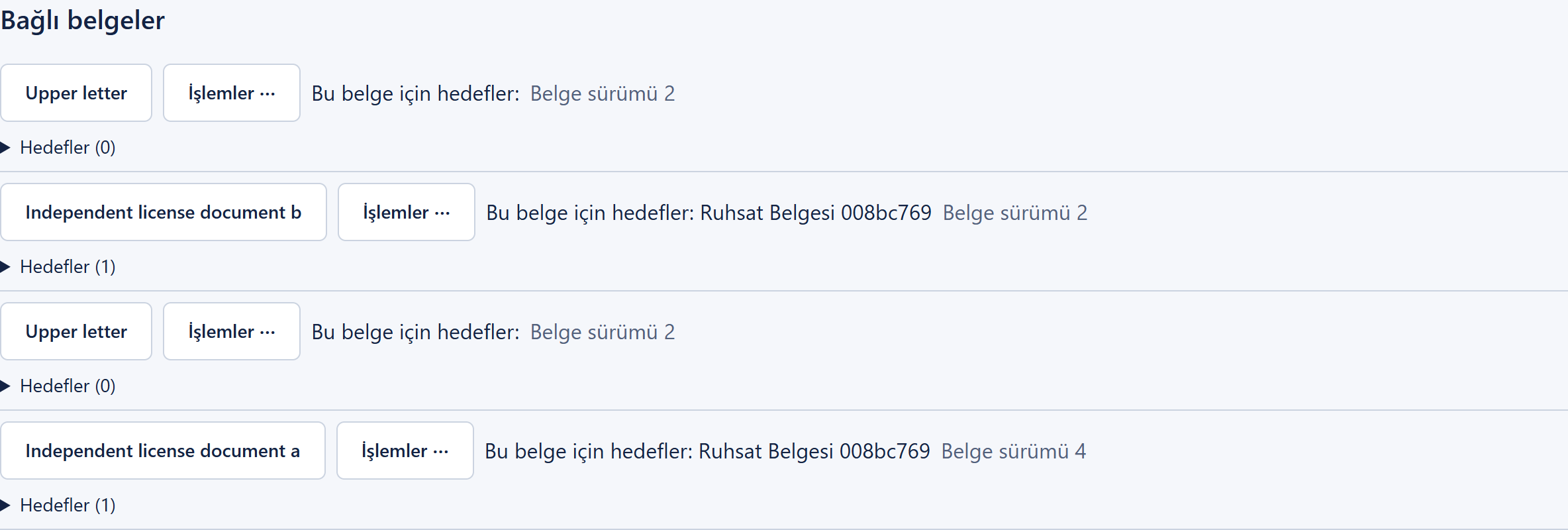
Link a contract to the relevant record and keep its attachments and related documents in context. Using a document in different processes does not require a new file copy and personnel record every time.
Versions show how a document changes over time. Activity history answers who did what, and when. Follow the current document without confusing it with the record of past actions.
Track stages and approval owners where a workflow is configured. For records that do not require a workflow, continue with ordinary access permissions. Document approval does not replace an electronic signature.
Make everyday work easier with organized documents, clear statuses and connected records.
From exploring the product to coordinating multiple branches: let’s define the right scope together.
Prices, limits and plan contents are design examples, not confirmed offers or service commitments.
Explore the product and essential document organisation.
Organise everyday documents and tasks for a small team.
Coordinate departments and approval processes.
Manage multiple branches from one central workspace.
Let’s explore your organization and document processes together.